How to Trade NFTs on Binance Smart Chain: Best Exchanges and Step-by-Step Guide
Binance Smart Chain (BSC), now officially known as BNB Chain, has become one of the most popular blockchain networks for NFT trading due to its low transaction fees and high speed. If you are wondering which exchange to use for trading NFTs on BSC and how to operate the process, this guide covers the key platforms and the step-by-step workflow.
When it comes to trading NFTs on Binance Smart Chain, the primary exchanges and marketplaces fall into two categories: centralized platforms and decentralized marketplaces. The most prominent centralized option is the Binance NFT Marketplace, which is directly integrated into the Binance crypto exchange. This platform supports BSC-based NFTs and allows you to buy, sell, and mint NFTs using your Binance account. To use it, you simply log in to your Binance account, navigate to the NFT section, connect your wallet if needed, and browse collections. You can purchase NFTs using BNB or BUSD, and you can also list your own NFTs for sale. The advantage of this platform is its high liquidity and ease of use for existing Binance users.
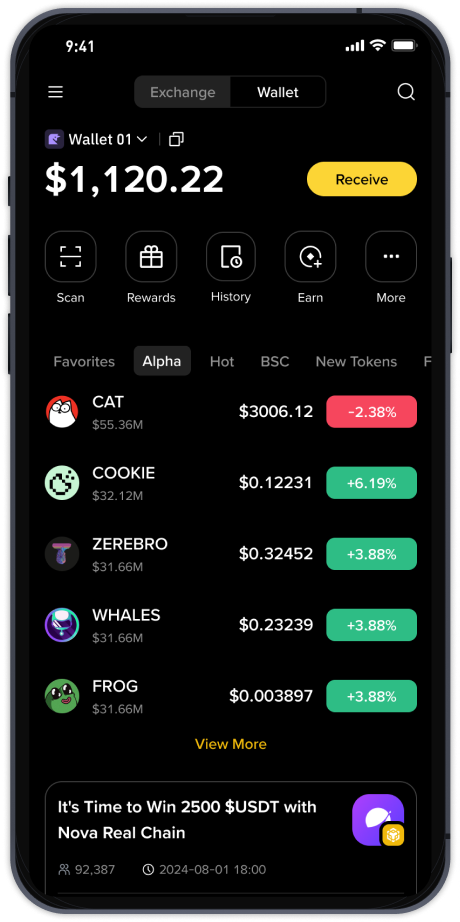
For decentralized trading, PancakeSwap is the most widely used NFT marketplace on BSC. It operates as a decentralized exchange (DEX) and features a dedicated NFT section called "PancakeSwap NFTs." To trade here, you need a Web3 wallet such as MetaMask or Trust Wallet, configured to the BSC network. Start by adding the BSC network to your wallet manually or using a provider like Binance Wallet. Once your wallet is funded with BNB for gas fees, go to PancakeSwap's NFT marketplace. You can then browse NFT collections, place bids, or buy items directly using BNB or CAKE tokens. When selling, you can list your NFT at a fixed price or set up a timed auction. All transactions are processed on-chain, meaning you have full control over your assets.
Another reliable decentralized marketplace is BakerySwap, which is also built on BSC. BakerySwap offers both an AMM-based exchange and an NFT marketplace. The process is similar: connect your BSC-compatible wallet, deposit BNB for gas, and then trade NFTs. BakerySwap supports fractional NFTs and often has unique digital art drops. To buy an NFT, simply select the item, confirm the price, and approve the transaction through your wallet. For selling, you can create a listing with a fixed price or accept offers from other users.
You can also use general NFT aggregators and marketplaces like Rarible or OpenSea, but these platforms require you to manually switch to the BNB Smart Chain network. On OpenSea, for example, you need to select "BNB Chain" from the network dropdown menu. Once you do, your wallet must be on the BSC network. The buying and selling mechanics are identical to Ethereum-based trading, but gas fees are significantly lower.
To summarize the basic operational steps for any BSC NFT exchange: first, ensure you have a compatible wallet (MetaMask, Trust Wallet, or Binance Wallet) with BSC configured. Second, purchase or transfer BNB to your wallet to cover gas fees. Third, go to your chosen marketplace (Binance NFT, PancakeSwap, or BakerySwap). Fourth, connect your wallet to the platform. Fifth, browse or search for the NFT you want to buy, then click "Buy" or "Place Bid." Finally, confirm the transaction in your wallet and wait for the blockchain to process it. For selling, you would upload your NFT, set the price, and approve the listing. Always double-check contract addresses and marketplace URLs to avoid scams. Trading NFTs on BSC is fast and cost-effective, making it an ideal choice for both newcomers and experienced collectors.